Tasks & boards
Tasks that don’t slip. Even the ones that repeat.
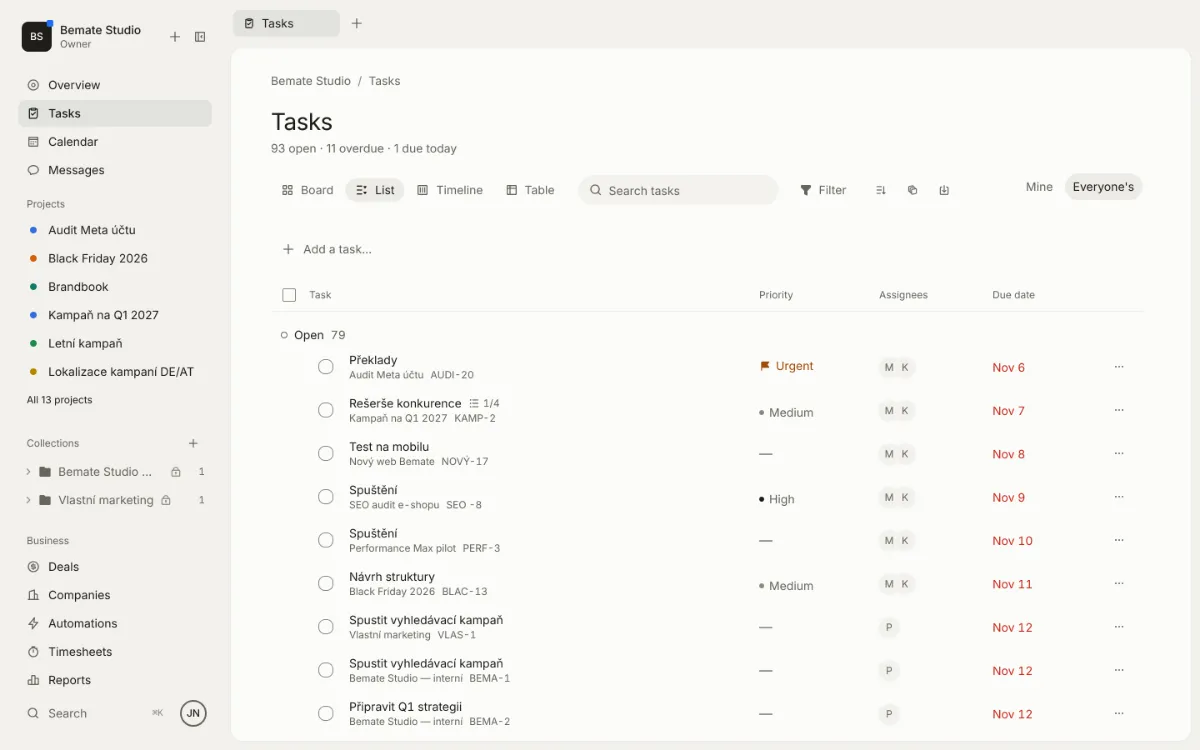
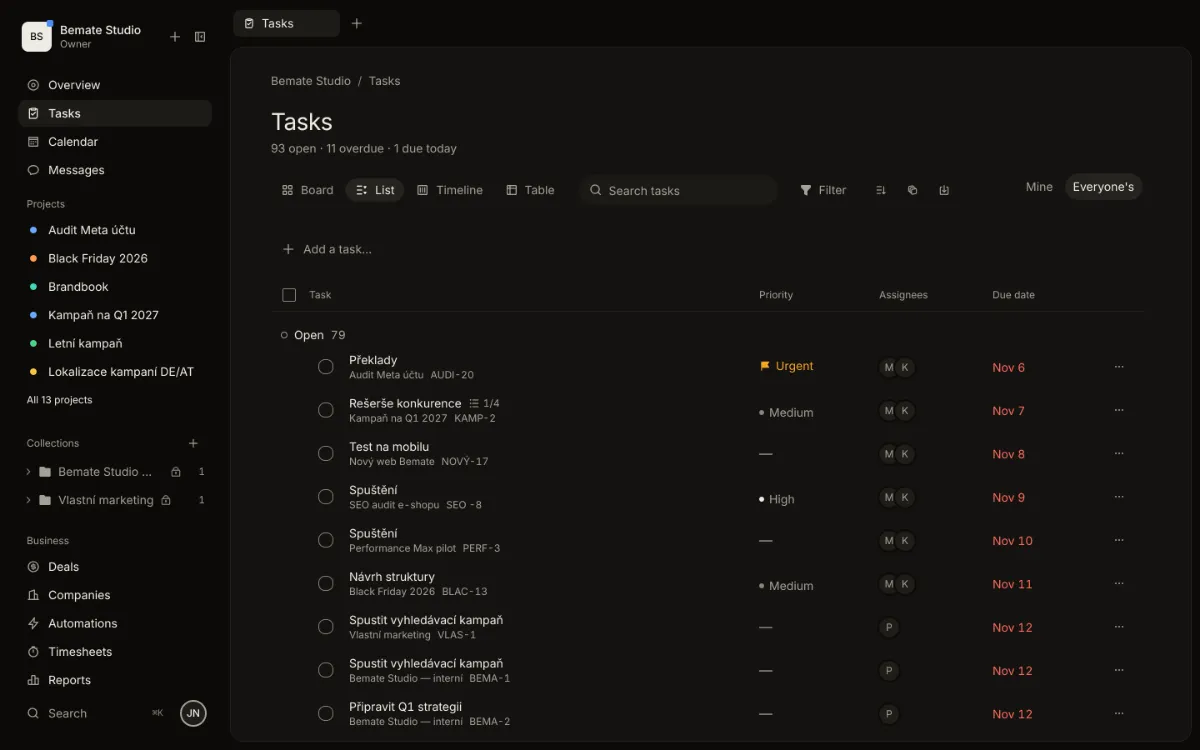
A board, a list, a timeline and a table over the same tasks. Subtasks, repeats, attachments and reminders – and a quick add that understands plain language.
What it does
- 01
Quick add in one line
Type “Send the report every Monday !high @petra” and NULLKA fills in the repeat, the priority and who does it. No form.
- 02
Subtasks down to zero
Break a task into steps and see how many are left. A repeating task, once done, sets up its next date itself.
- 03
In bulk and by keyboard
Select several tasks and change their date, people or status at once. Move a card with the mouse or the keyboard.
What it looks like
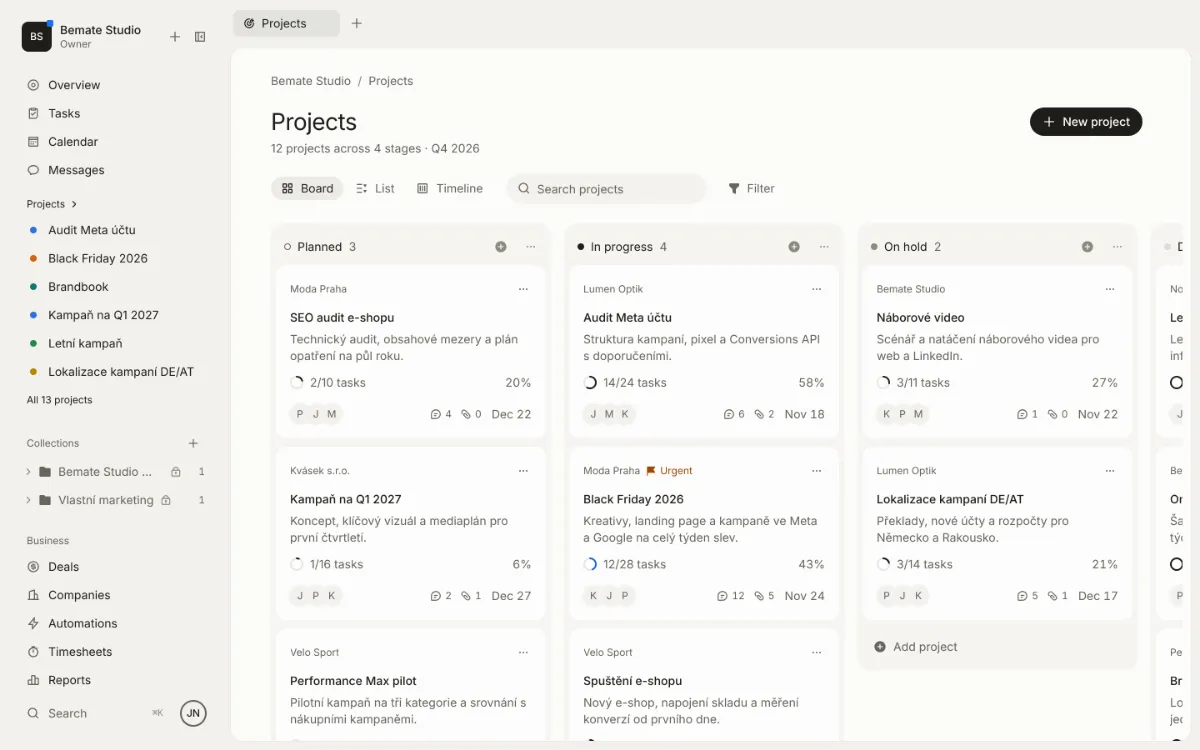
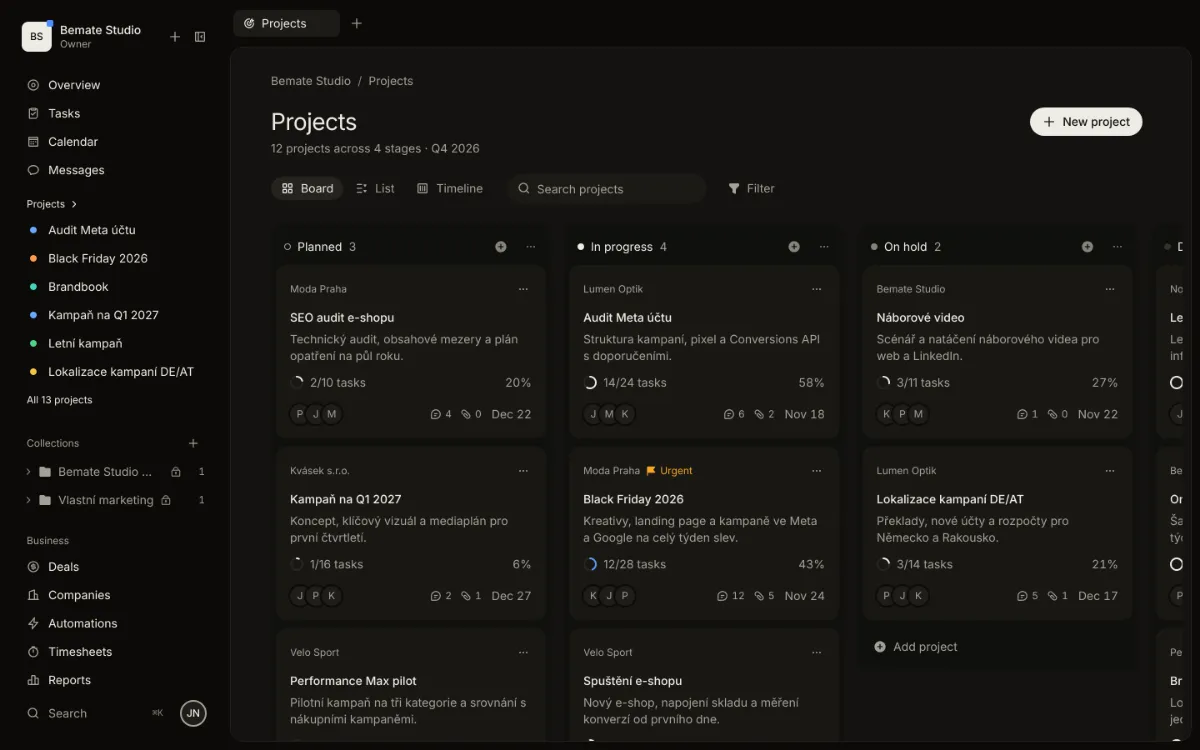
Projects on a board by stage, with client, tasks and due date
In detail
- Board, list, timeline and table
- Subtasks and repeats (“every Monday”)
- Attachments and reminders
- Comments with @mentions
- Tasks on companies, people and deals
- Internal tasks hidden from the client
Work that ends at zero.
Set up your organization, load companies from ARES, and invite your team and clients when you need them. Clients get access free.